
Parse CNN Articles Without Rolling Your Own
Build a CNN Article brand-mention monitoring pipeline that ships. Our API swaps in fresh data on each call without making your team manage browsers, proxies, or anti-bot challenges.
Key Benefits:
 Sign up with Google
 based on 100+ reviews.


Mike Ritchie
CEO @ SeekWell

ScrapingBee simplified our day-to-day marketing and engineering operations a lot. We no longer have to worry about managing our own fleet of headless browsers, and we no longer have to spend days sourcing the right proxy provider
What Developers Pull from CNN Article
Developers pull three datasets from CNN articles: news summaries, trending topic data, and structured event details, usually feeding media monitoring or market intelligence pipelines.



Extract news summaries
Use news summaries to enhance lead generation, streamline competitor analysis, and strengthen strategic business positioning through structured data extraction.
Extract trending topic data
Use trending topic data to enhance competitor analysis, identify market shifts, and support strategic business positioning through structured insights.
Extract event details
Streamline market intelligence by extracting structured event data to monitor industry trends and support your business strategy.
Transparent CNN Article Scraper API pricing
Cancel anytime, no questions asked!
Need more credits and concurrency per month?
(No credit card required)
How CNN Article API works
Manually collecting data from CNN Article is slow, limited and hard to scale. That's why more and more teams choose our API.
Create an account - get instant access to API key and 1,000 free credits to get started
Install our Python SDK (or Node, Go, PHP, Ruby - pick your stack). Pulling CNN articles becomes a single function call per page. No proxy rotation, no headless Chrome to manage.
POST or GET the CNN Article URL to our API. We render article pages on cnn.com, handle anti-bot, and return rendered HTML (or structured JSON via extract_rules or ai_extract_rules).
When scraping CNN articles needs more, gain advanced parameters. render_js for JavaScript, stealth_proxy for CAPTCHAs, country_code for geo-targeting, ai_extract_rules for natural-language data extraction.
CNN Article Scraper API - Tuned for CNN's Article Markup
Pull CNN article pages at scale. Headline, byline, timestamp, section tag, dek summary, body copy, and image captions all parse in one call.

Use AI to scrape articles from CNN, extracting valuable insights and data tailored to your specific needs.
AI Web Scraping
Use our API to capture screenshots of CNN articles, allowing you to visualize and analyze content directly from the source.
Screenshot API
Scrape Google search to extract relevant articles from CNN, helping you quickly gather insights and data directly from the search results.
Explore Google Search API
Use interactive JavaScript capabilities to precisely control data extraction, simulating user behavior for comprehensive insights from dynamic web applications.
JavaScript Scraping API
Scrape CNN articles to receive clean, structured LLM-ready data, empowering you to analyze and utilize content with our Markdown Scraper API.
Markdown Scraper API
Scrape CNN articles by creating automated workflows with n8n and our API, streamlining your data extraction process while saving time and enhancing productivity.
n8n Scraper
Trusted by 4,500+ developers and data teams
Scraping is 50% dealing with ever-changing HTML files and 50% massaging data into a useable format. ScrapingBee’s incredible AI feature can do both much better than I ever could. Now I can spend 100% of my time on what matters most; my business.

Arvid Kahl,
Founder at Podscan
ScrapingBee helps us to retrieve information from sites that use very sophisticated mechanism to block unwanted traffic, we were struggling with those sites for some time now and I'm very glad that we found ScrapingBee.

Anton R,
CTO

ScrapingBee clear documentation, easy-to-use API, and great success rate made it a no-brainer.

Dominic Phillips,
Co-Founder at CodeSubmit
I'm a PhD candidate with absolutely no web scraping experience and needed to scrape some data for a dissertation project. ScrapingBee helped me get the job done quickly and easily. Excellent customer support too. Couldn't be happier!
Sam,
PhD candidate
So easy to set-up, straightforward and performance. They are reachable and kind, they introduced us properly their tool and offered the best solution for our need.

Maxime Y,
Product Manager @ NordFolk
Great SaaS tool for legitimate scraping and data extraction. ScrapingBee makes it easy to automatically pull down data from the sites that publish periodic data in a human-readable format.

Andy Hawkes,
Founder at Loadster
Good experience. I found this proxy service more effective compared to previous ones that were being used. It is fast and efficient.
Aayushi,
Senior analyst
Fantastic service: works flawlessly, best support I've experienced. It just works: and its parsing meta-language is wonderfully powerful. Most importantly, the support I've received has been superlative.
Mike P.,
VP
Excellent service, glad we made the switch! We could always dedicate resources and build our own systems for everything... or we could simply call the scrapingBee API and focus on the data. It makes our work so much easier.
Daniel L,
Lead dev
Recognized for excellence
in web scraping




You're in great company
4,500+ developers use ScrapingBee to handle proxies, browsers, and anti-bot bypass.





What You Can Pull from CNN Article
CNN article pages expose headline, byline, publish and update timestamps, section tag, dek summary, body copy, image captions, and related-article links.
Setup in Under Five Minutes
Clear examples in Python, Node.js, cURL, and the request builder. Copy the snippet, swap in your API key, send the request.
DocumentationFrom CNN Article URL to Clean JSON
Pass any CNN article URL to our endpoint. Our renderer executes the page's JS and returns parsed data, extract_rules for CSS selectors, ai_extract_rules for AI-driven extraction.
Web Scraping API
ScrapingBee in numbers


Developer Experience
Top-rated support &
documentation
Our team is here to guide you when you need the extra assistance. And we're constantly working on new features to make your life easier.
Fantastic documentation
Take a look at our documentation and get started in minutes!
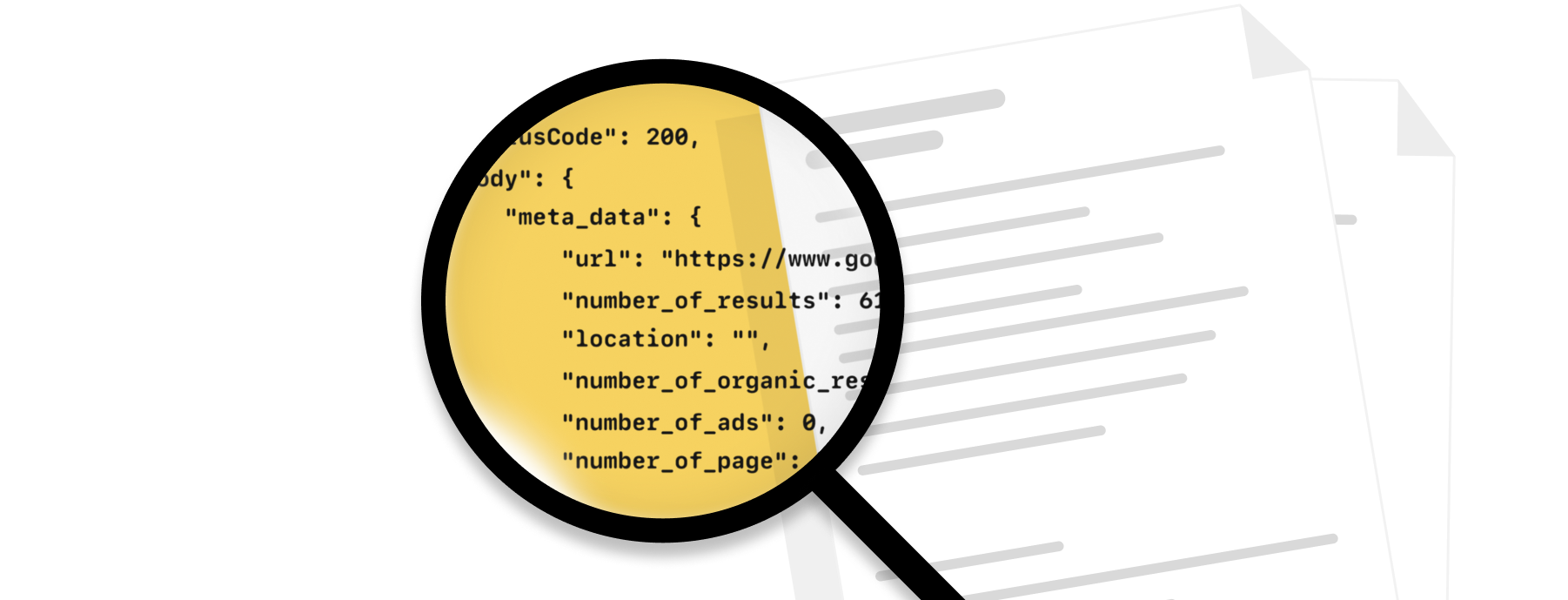
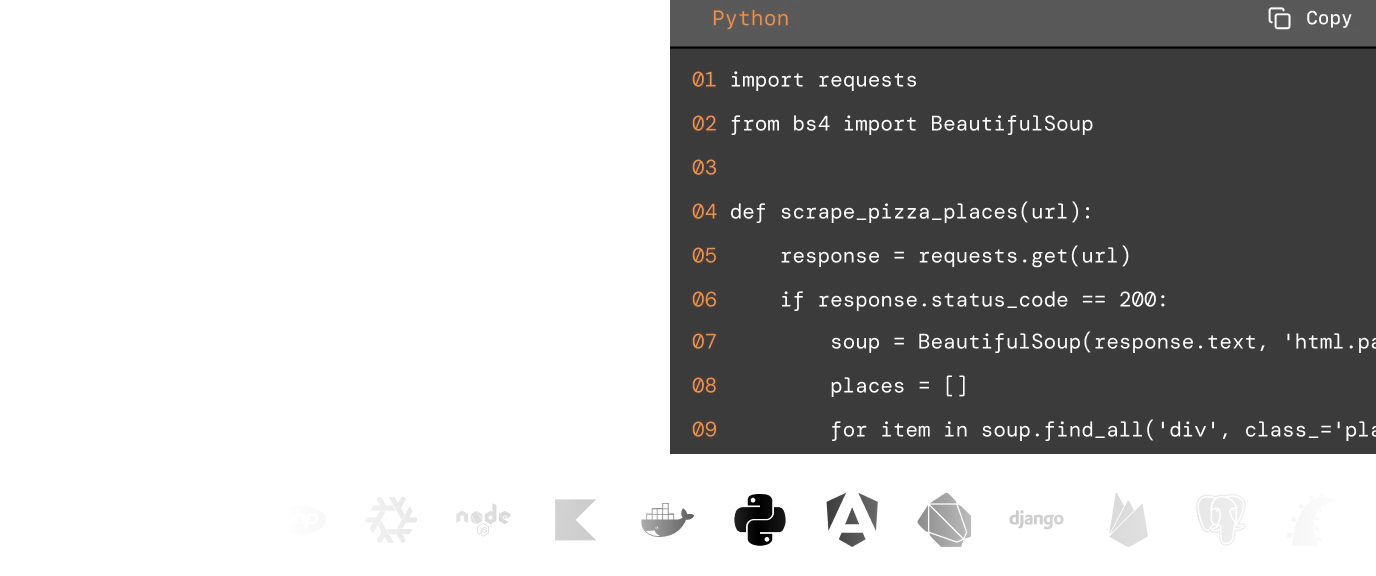
Code samples
Whatever the programming language you enjoy, we have written code examples in Java, Python, Go, PHP, cURL and JavaScript.
Knowledge base
Our extensive knowledge base covers the most frequent use cases with code samples.

Exceptional support
Fast, engineer-led support via live chat or email
Explore web scraping insights
Check out our documentation to find out more on how to utilise our API for your scraping needs.
AI Data Extraction
JS Rendering
Stealth Proxy
Screenshots
Custom Cookies
Download Images
More markets. More opportunities.
Expand your data collection beyond this scraper.
Why ScrapingBee?
The most reliable web scraping API, trusted by 4,500+ developers worldwide.
- Data analysts
- Growth teams
- Developers
- E-commerce businesses
GDPR and CCPA compliant
ScrapingBee does not collect or store personal data from scraped sites unless their user explicitly requests it.

CAPTCHA bypass capacity
We handle proxy rotation to avoid IP-based blocking. With headless browser rendering, we mimic real user browsing behaviour and reduce the blocking risk.
Scalable
The platform scales smoothly with thousands of headless browsers and rotating proxies, ensuring fast, reliable performance even during traffic spikes.
Speed and accuracy
We deliver fast, reliable results in 1-5 seconds with high accuracy across most sites, even JavaScript-heavy ones.

CNN Article Scraper FAQs
No external account required. Sign up for one of our API keys (1,000 free credits, no card), send the URL, and we handle the rest.