Use the Gemini Scraper API to send prompts to Google Gemini and get structured AI responses in a single API call, with text, Markdown, citations when available, and optional HTML. Mike Ritchie CEO @
SeekWell ScrapingBee simplified our day-to-day marketing and engineering operations a lot. We no longer have to worry about managing our own fleet of headless browsers, and we no longer have to spend days sourcing the right proxy providerGemini Scraper API
 based on 100+ reviews.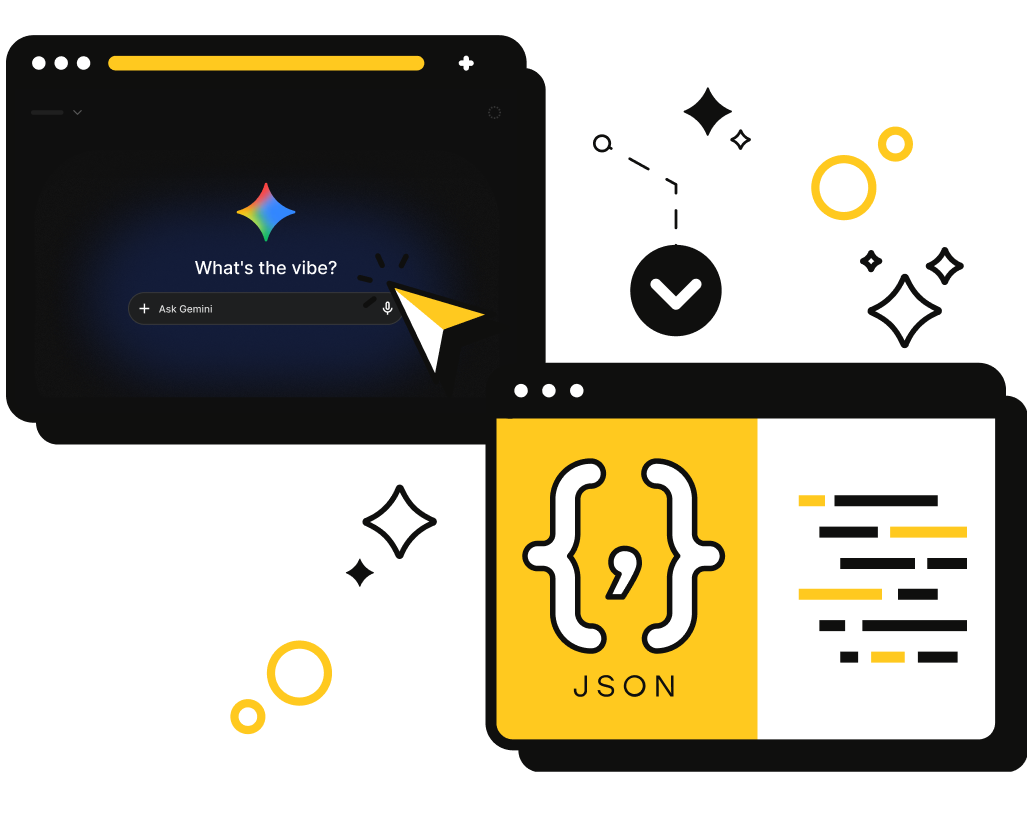


 Sign up with Google
Designed specifically for
The Problem Turn Gemini prompts into structured data without building extra infrastructure Gemini scraping can get messy when you have to manage everything yourself: Connecting scraping output to AI prompts Cleaning raw HTML before sending it to a model Handling citations and source attribution Localizing results by country Parsing text, Markdown, and HTML responses ScrapingBee's Gemini API handles all of this in one call: send a prompt, process web data, and get structured AI output. Code Response Input Parameters prompt Prompt Your instruction or question for Google Gemini. Use it to summarize web data, compare products, analyze reviews, extract facts, or research a topic.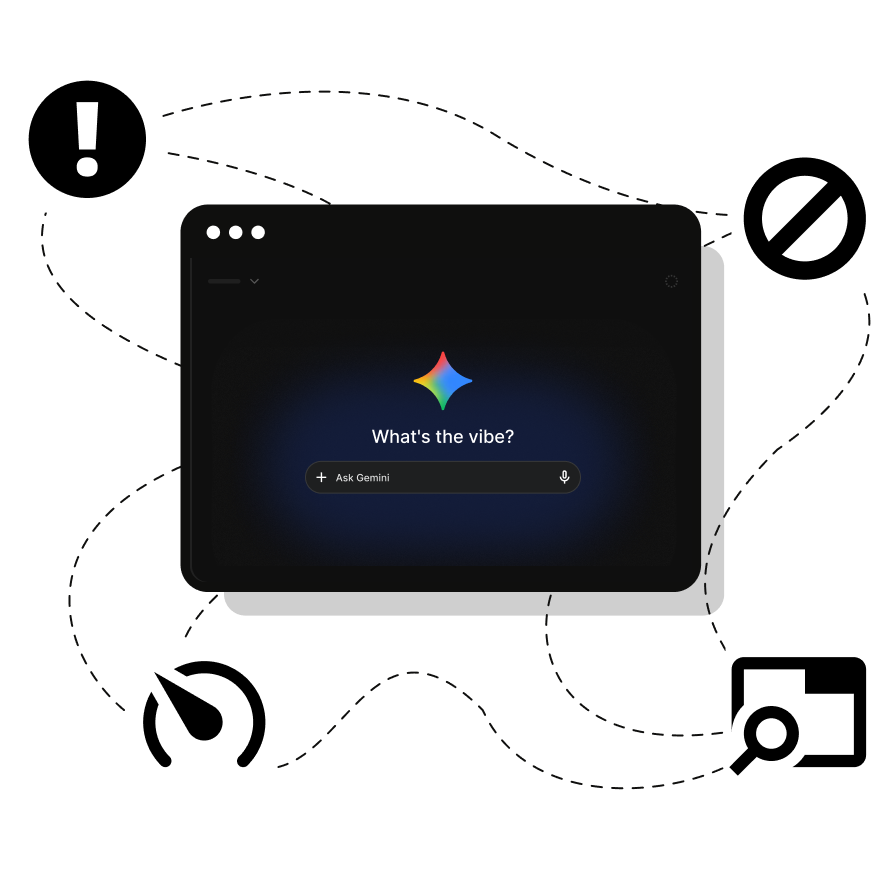
Gemini scraping in one API call
{
    # Full HTML response, including all formatting, included if add_html=true
    "full_html": "<!DOCTYPE html><html><head><title>Best programming languages for data science</title></head>
        <body><article><h2>Python</h2><p>The undisputed king of data science. Its real power lies in its massive ecosystem of libraries.</p>
        <h2>SQL</h2><p>Absolutely non-negotiable. SQL is how you talk to databases.</p></article></body></html>",
    "prompt": "Best programming languages for data science",
    # The result in Markdown format
    "results_markdown": "When it comes to data science, you don't need to learn every programming language out there. The industry is highly consolidated around a few heavy hitters.\n\n### **Python**\n\n* **The Verdict:** The undisputed king of data science.\n* **Why it's great:** Python is a general-purpose language with an English-like syntax that is incredibly beginner-friendly. Its real power lies in its massive, mature ecosystem of libraries.\n\n### **SQL (Structured Query Language)**\n\n* **The Verdict:** Absolutely non-negotiable.\n* **Why it's great:** SQL is how you talk to databases. Data scientists frequently use SQL to pull, filter, and aggregate millions of rows of data before passing it into Python or R.\n\n",
    # The result in plain text format
    "results_text": "When it comes to data science, you don't need to learn every programming language out there. The industry is highly consolidated around a few heavy hitters. Python - The Verdict: The undisputed king of data science. Its real power lies in its massive, mature ecosystem of libraries. SQL - The Verdict: Absolutely non-negotiable. SQL is how you talk to databases. Data scientists frequently use SQL to pull, filter, and aggregate millions of rows of data before passing it into Python or R.",
    # Source citations referenced in the response, returned when available
    "citations": [
        {
            "description": "The 10 Best Programming Languages for Data Science - Python is the dominant programming language for data science, and for good reason.",
            "text": "The industry is highly consolidated around a few heavy hitters.",
            "title": "The 10 Best Programming Languages for Data Science | Intuit Blog",
            "url": "https://www.intuit.com/blog/innovative-thinking/best-programming-languages-for-data-science/"
        }
    ],
}
Ready to scrape Gemini responses
Get access to 1,000 free API credits and turn web data into structured AI responses. No credit card required.
How the Gemini Scraper API works
Send a prompt to the Gemini endpoint and get structured AI output. Test it from the dashboard, run it from your terminal, or integrate it into production code.
Get instant access to your API key and 1,000 free credits to start testing.
Call the Gemini endpoint from your code or test a prompt from the dashboard. Send a natural-language prompt, such as asking Gemini to summarize a market, compare products, analyze reviews, or extract key facts from web data.
Receive the response as plain text, Markdown, and citations when available. Enable add_html=true when you need the full HTML response for verification or post-processing.
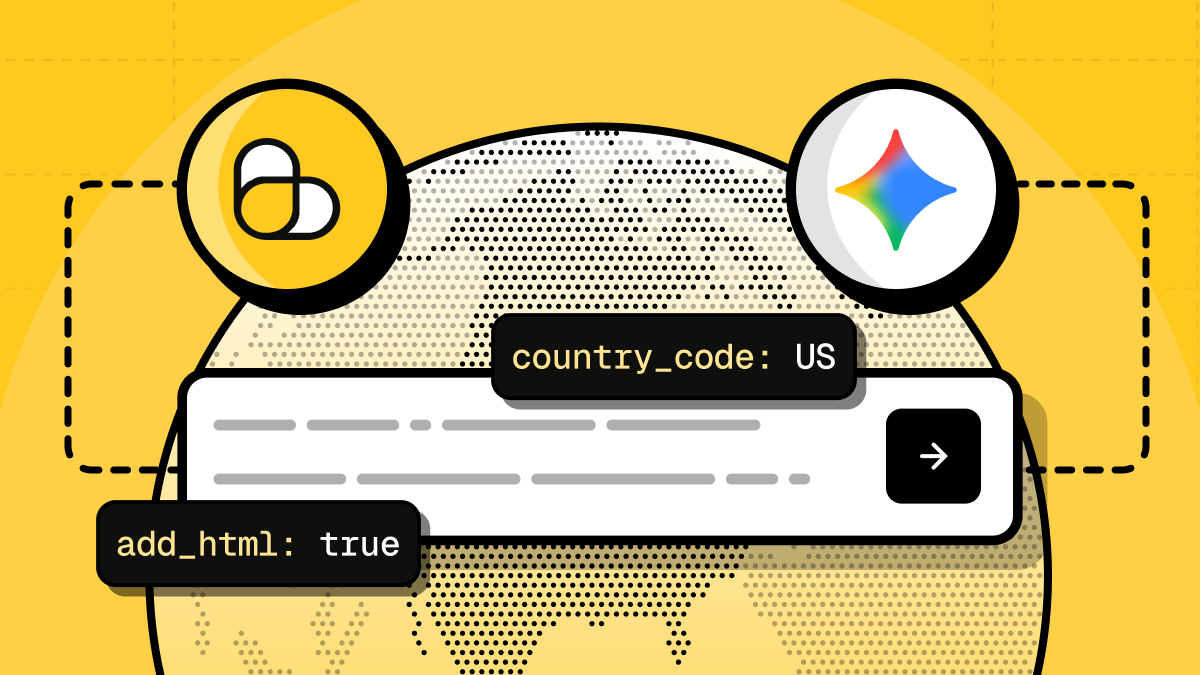
Use parameters like country_code, add_html, and tag to localize results, include raw HTML, or track requests. Add Gemini data extraction to agents, dashboards, RAG pipelines, research tools, or other production workflows.
Our Solution One API call for Gemini responses. Use ScrapingBee to connect Google Gemini to your data extraction workflow. Send a prompt, localize the request, get structured AI output, and move the response into your app, agent, or research pipeline. Structured Output Formats Get Gemini responses as structured JSON with plain text, Markdown, citations when available, and optional HTML. Use the format that fits your app, dashboard, agent, or data pipeline. Web-Grounded Research Use Gemini to answer prompts with current web context and source attribution when available. Great for market research, competitor analysis, product comparisons, and other scraping workflows that need up-to-date information. Dev-Ready Integration No extra AI pipeline needed. Use Python, JavaScript, PHP, curl, and other supported languages. Send prompts to the Gemini Scraper API in minutes with clear docs and code examples. Dev-friendly Control Start with a required prompt, then add optional parameters when you need localized results, raw HTML, or request tracking: prompt Your instruction or question for Google Gemini. Use it to summarize web data, compare products, analyze reviews, extract facts, or research a topic. country_code Localize the request context by country. Useful when you need market-specific prices, availability, news, search context, or regional insights. add_html Set add_html=true to include the full HTML response in the full_html field. Use it for verification, debugging, or post-processing. tag Attach your own identifier to the request. Useful for tracking prompts across agents, dashboards, scraping jobs, or larger automation workflows. Workflow Here's what your Gemini scraping workflow looks like with or without ScrapingBee Setup Data Format Source attribution Localization Speed to results Without ScrapingBee Separate scraping setup, model access, prompt handling, and response parsing Raw HTML, model output, and custom parsing logic Manual source tracking and post-processing Separate regional setup, proxies, or custom context handling Hours or days to build and test the pipeline With ScrapingBee One Gemini Scraper API endpoint Structured JSON with text, Markdown, citations, and optional HTML Citations returned when available Built-in country_code parameter Minutes to send your first request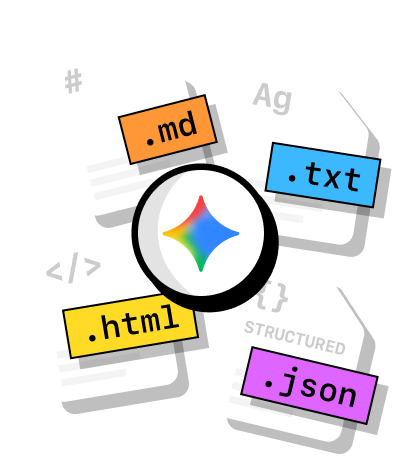
Configure your Gemini requests with a few simple parameters
With Vs. Without ScrapingBee


Our Gemini API Features
Everything you need to integrate Gemini into your web scraping workflow. Send prompts, localize results, and get structured output with citations when available.

Send prompts to Google Gemini and turn web data into structured responses. Get JSON with plain text, Markdown, and citations when available.
AI Web Scraping
Get Gemini responses as structured JSON with plain text, Markdown, citations when available, and optional full HTML. Use the format that fits your app, dashboard, agent, or data pipeline.
Data Extraction
Use the country_code parameter to localize Gemini responses for specific markets. Useful for prices, availability, news, local trends, and country-specific research.
See Documentation
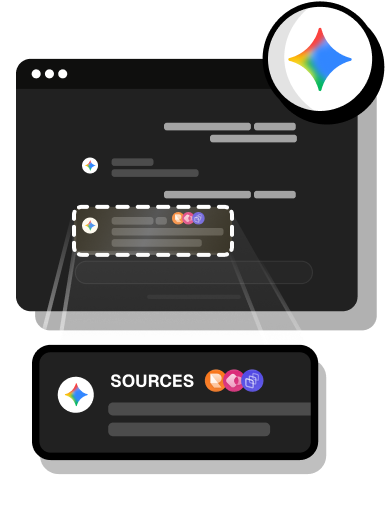
Keep source attribution in your AI workflows with the citations field. Citations are returned when available and are especially useful for web-grounded prompts, research tasks, and market analysis.
See Documentation
Set add_html=true to include the full HTML response in the full_html field. Use it for verification, debugging, or your own post-processing.
See Documentation
Connect ScrapingBee requests to Make or n8n workflows to schedule prompts, send results to other tools, or automate research and reporting without building a full backend.
Make No-Code Scraping
Developer Experience
Top-rated support &
documentation
Clear docs, practical code examples, and support to help you integrate Gemini data extraction, from your first request to production.
Fantastic documentation
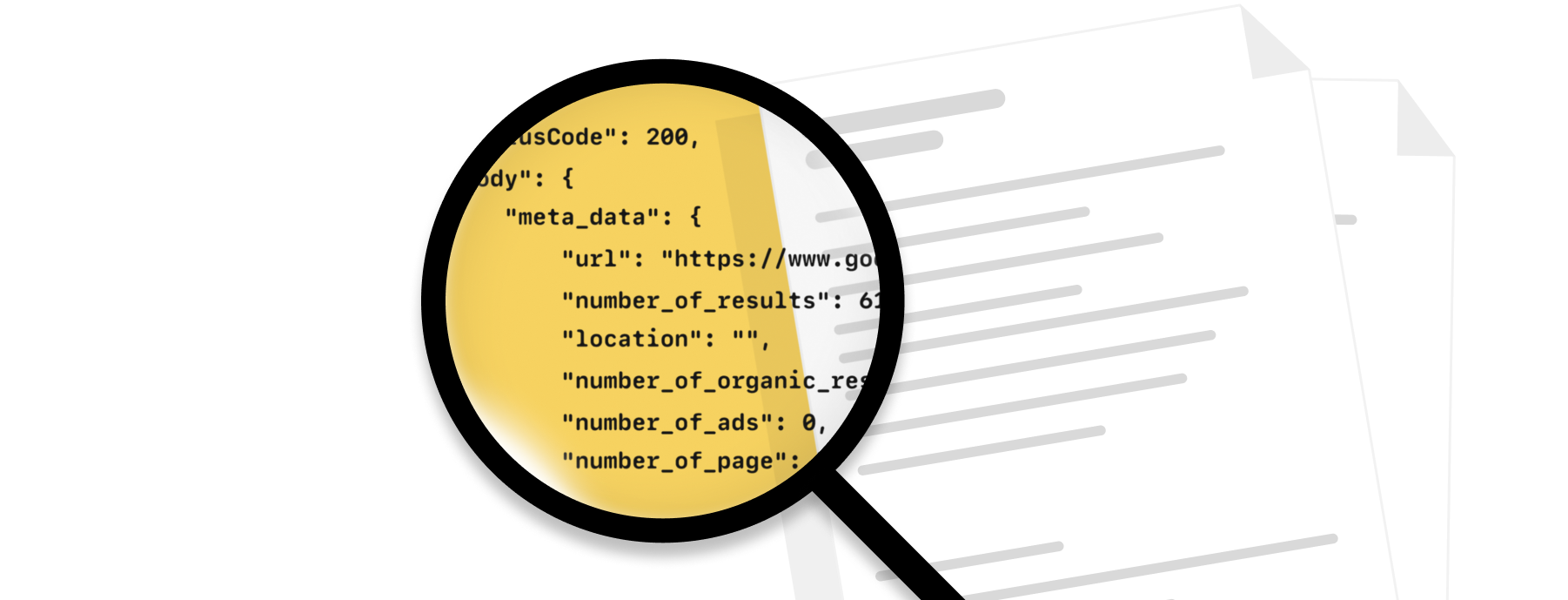
Use the Gemini API documentation to learn the endpoint, request parameters, response fields, and options like country_code, add_html, and tag.
Code samples
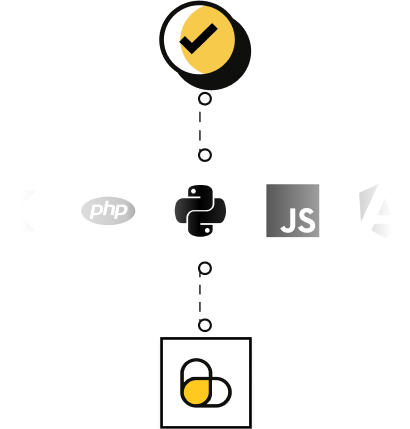
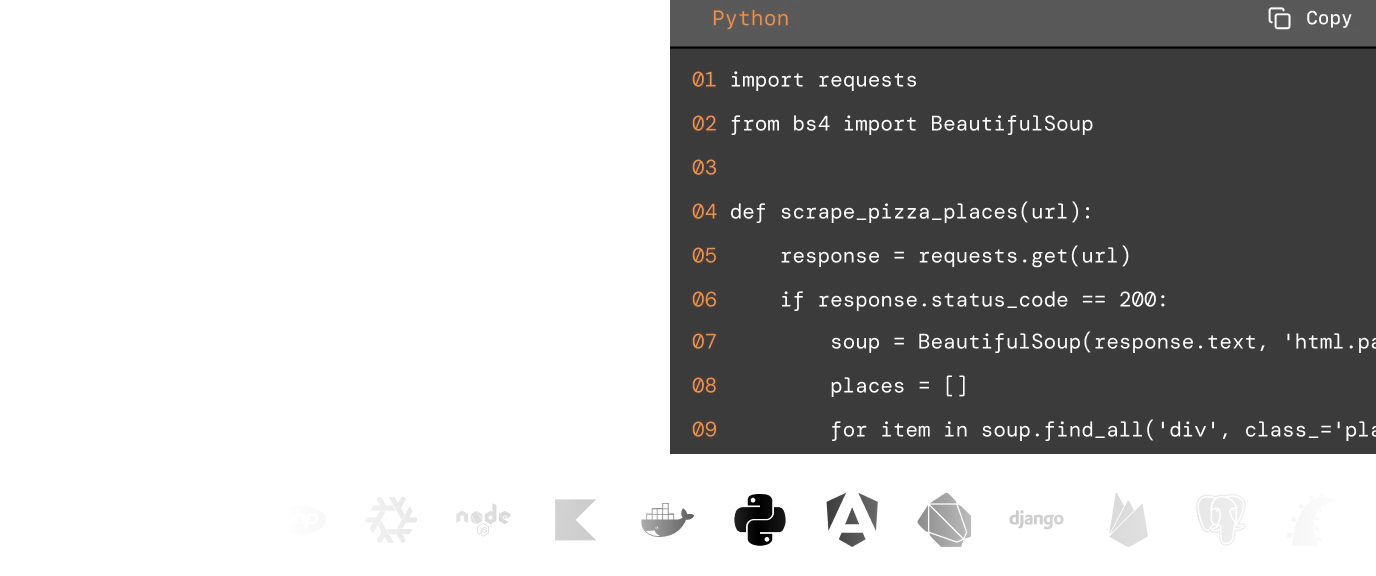
Start from practical examples in Python, JavaScript, PHP, curl, and other tools. Send prompts, parse Gemini responses, and plug the output into your app or pipeline.
Knowledge base
Browse guides and examples for web scraping, data extraction, automation, and AI-powered workflows in our extensive knowledge base.

Exceptional support
Need help with a request, response format, or integration? Reach the ScrapingBee team by live chat or email.
Why ScrapingBee for Gemini scraping?
ScrapingBee gives you a simple way to use Google Gemini in web scraping workflows. Send a prompt, get structured AI output, keep citations when available, and localize results by country.
- Market research
- Competitor analysis
- RAG workflows
- AI agents
- ....and much more.
GDPR and CCPA compliant
ScrapingBee is GDPR and CCPA compliant. We do not collect or store personal data from scraped sites unless explicitly requested by the user.

Built for production workflows
Use the Gemini Scraper API in apps, agents, dashboards, research tools, and RAG pipelines. Send prompts, parse structured responses, and scale your workflow without building a separate AI integration layer.
Reduced infrastructure overhead
No need to manage model access, scraping glue code, response parsing, retries, or regional setup yourself. ScrapingBee gives you one endpoint for Gemini-powered web data extraction.
Structured responses with source context
Get Gemini responses as text, Markdown, citations when available, and optional HTML. Use the output for research, reporting, automation, and data pipelines without starting from raw unstructured responses.

Simple, transparent Gemini API pricing.
Cancel anytime, no questions asked!
Need more monthly credits or higher concurrency?
Not sure which plan you need?
4,500+ customers all around the globe use ScrapingBee to solve their web scraping needs.ScrapingBee in numbers
Trusted by developers





Trusted by 4,500+ developers and data teams
Scraping is 50% dealing with ever-changing HTML files and 50% massaging data into a useable format. ScrapingBee’s incredible AI feature can do both much better than I ever could. Now I can spend 100% of my time on what matters most; my business.

Arvid Kahl,
Founder at Podscan
ScrapingBee helps us to retrieve information from sites that use very sophisticated mechanism to block unwanted traffic, we were struggling with those sites for some time now and I'm very glad that we found ScrapingBee.

Anton R,
CTO

ScrapingBee clear documentation, easy-to-use API, and great success rate made it a no-brainer.

Dominic Phillips,
Co-Founder at CodeSubmit
I'm a PhD candidate with absolutely no web scraping experience and needed to scrape some data for a dissertation project. ScrapingBee helped me get the job done quickly and easily. Excellent customer support too. Couldn't be happier!
Sam,
PhD candidate
So easy to set-up, straightforward and performance. They are reachable and kind, they introduced us properly their tool and offered the best solution for our need.

Maxime Y,
Product Manager @ NordFolk
Great SaaS tool for legitimate scraping and data extraction. ScrapingBee makes it easy to automatically pull down data from the sites that publish periodic data in a human-readable format.

Andy Hawkes,
Founder at Loadster
Good experience. I found this proxy service more effective compared to previous ones that were being used. It is fast and efficient.
Aayushi,
Senior analyst
Fantastic service: works flawlessly, best support I've experienced. It just works: and its parsing meta-language is wonderfully powerful. Most importantly, the support I've received has been superlative.
Mike P.,
VP
Excellent service, glad we made the switch! We could always dedicate resources and build our own systems for everything... or we could simply call the scrapingBee API and focus on the data. It makes our work so much easier.
Daniel L,
Lead dev
Our awards
from Capterra

Learn how to use our Gemini API for various use cases Expand your data collection beyond Gemini scraping. Use ScrapingBee to collect, extract, and analyze data from search engines, ecommerce platforms, social platforms, and other web sources.Gemini Scraper Tutorials
More data sources. More workflows.







































































































































































































































Frequently Asked Questions