The ScrapingBee Agentic Employee Search API lets you find relevant employee profiles using natural-language queries.
Instead of building complex filters or searching profiles manually, you describe the people you’re looking for — for example, senior data scientists at large tech companies in the US — and the API returns matching profiles as structured JSON.
You can search by role, seniority, industry, company characteristics, location, skills, and other signals. In this post, we’ll look at how the API works, how to make your first request, and how to write prompts that return useful results.
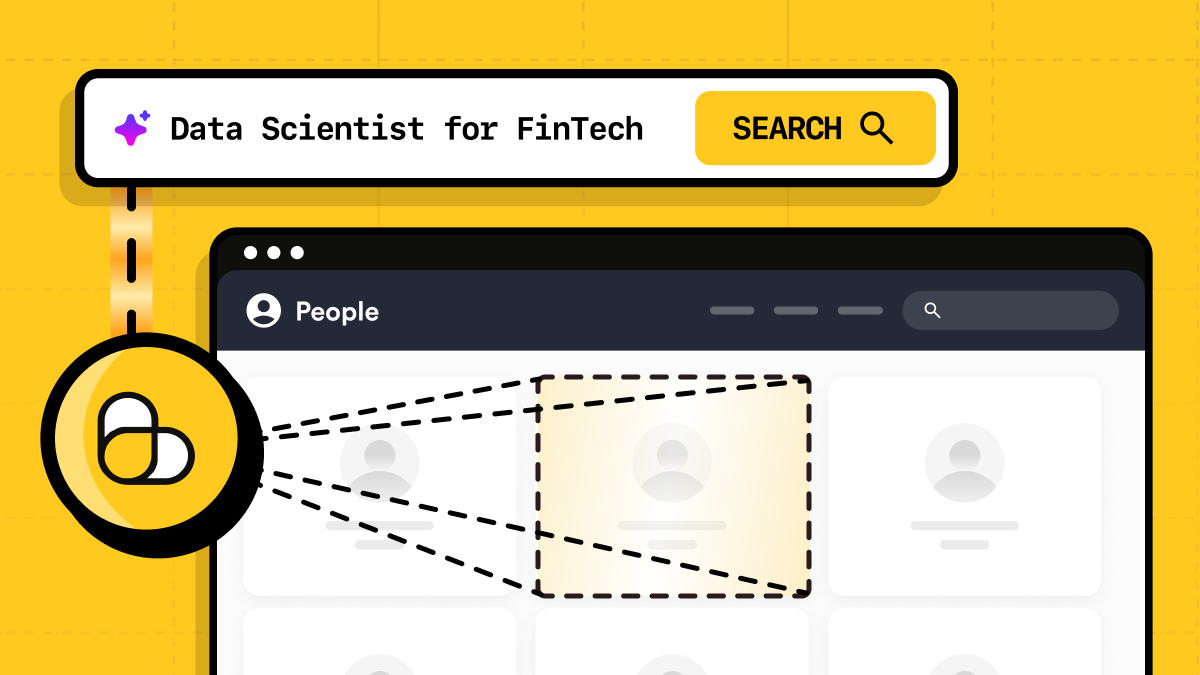
Why employee search is a pain
We get it: searching for the right people can turn into a lot of manual work surprisingly fast.
You start with a role, then add seniority, location, industry, company size, maybe a few skills — and suddenly you’re juggling filters, checking profiles one by one, and trying to figure out whether the results actually match what you had in mind.
The Employee Search API cuts out most of that work. You describe the kind of person you’re looking for in plain language, and the API handles the search and ranking for you.
How the Employee Search API works
The Employee Search API takes a natural-language description of the people you want to find and turns it into a search.
You describe the target in plain language — for example, senior backend engineers at fintech companies in Germany — and ScrapingBee finds relevant profiles based on those criteria and ranks them by relevance.
At a high level, the flow looks like this:
Natural-language prompt → Employee Search API → ranked employee profiles
You don’t need to build a complex filter system yourself or manually combine multiple search criteria.
Quickstart: search for employees with Python
To make your first search, you need a ScrapingBee API key and a natural-language description of the people you want to find.
Install the requests package if you don’t already have it:
pip install requests
For example, let’s search for senior machine learning engineers living in Austin and working at fintech companies:
import requests

API_KEY = "YOUR API KEY"

response = requests.get(
    "https://app.scrapingbee.com/api/v1/agentic_search",
    headers={
        "Authorization": f"Bearer {API_KEY}",
    },
    params={
        "prompt": "Senior machine learning engineers living in Austin, Texas, working at fintech companies",
    },
)

response.raise_for_status()

data = response.json()

for profile in data["results"]:
    print(profile.get("full_name"))
    print(profile.get("active_experience_title"))
    print(profile.get("company_name"))
    print()
The prompt describes the people you want to find. Each search returns up to 20 matching profiles, ranked by relevance.
Here's the sample output:
John Doe
Senior Machine Learning Engineer
Company 1

Jane Doe
Senior Machine Learning Engineer
Company 2
ScrapingBee runs the search and returns matching profiles as structured JSON, ranked by relevance.
Understanding the response
The API returns a JSON object with the original prompt, the number of profiles found, and a results array.
A shortened response might look like this:
{
  "prompt": "Senior machine learning engineers living in Austin, Texas, working at fintech companies",
  "result_count": 2,
  "results": [
    {
      "id": 123456789,
      "full_name": "Alex Morgan",
      "active_experience_title": "Senior Machine Learning Engineer",
      "company_name": "ExamplePay",
      "location_country_iso2": "US",
      "experience": [
        {
          "company_id": 42,
          "company_name": "ExamplePay",
          "position_title": "Senior Machine Learning Engineer",
          "active_experience": 1,
          "management_level": "Senior"
        }
      ]
    },
    {
      "id": 987654321,
      "full_name": "Jordan Lee",
      "active_experience_title": "Principal Machine Learning Engineer",
      "company_name": "Fintech Labs",
      "location_country_iso2": "US",
      "experience": [
        {
          "company_id": 77,
          "company_name": "Fintech Labs",
          "position_title": "Principal Machine Learning Engineer",
          "active_experience": 1,
          "management_level": "Senior"
        }
      ]
    }
  ]
}
The top-level fields describe the search itself:
prompt— the natural-language query you sent.result_count— the number of profiles returned (up to 20 per search).results— the matching employee profiles. If no matching profiles are found, results is an empty array. This is a valid response, not an error, and the request is not charged.
Each profile includes a core set of fields — id, full_name, company_name, active_experience_title — and the remaining fields vary with your prompt: a location constraint adds location fields, a followers threshold adds followers_count, and so on. Treat the response as dynamic rather than relying on a fixed field list.
The search is relevance-based rather than a strict field-by-field filter. For example, a search for senior engineers may also return a principal engineer if the profile is considered a strong match.
Employee Search API parameters
The Employee Search API uses a single GET endpoint:
https://app.scrapingbee.com/api/v1/agentic_search
You authenticate with your ScrapingBee API key and pass the search options as query parameters.
prompt
The prompt parameter is required. It contains the natural-language description of the employees you want to find and can be up to 5,000 characters long.
params = {
    "prompt": "Senior machine learning engineers living in Austin, Texas, working at fintech companies"
}
We’ll look at how to write effective prompts in the next section.
limit
The limit parameter is deprecated and no longer has any effect. It is still accepted (values 1 to 100) for backward compatibility, but every search returns up to 20 profiles, ranked by relevance.
tag
The optional tag parameter lets you attach your own identifier to a request:
params = {
    "prompt": "Senior machine learning engineers living in Austin, Texas, working at fintech companies",
    "tag": "austin-ml-search",
}
ScrapingBee returns the tag with the response headers. It does not change the search itself.
Authentication
Pass your ScrapingBee API key in the Authorization header:
headers = {
    "Authorization": f"Bearer {API_KEY}",
}
Authentication is required for every Employee Search API request.
Tips for writing effective search prompts
The Employee Search API works best when the prompt is specific enough to describe the target, but not overloaded with requirements.
A few practical tips:
- Focus on two or three important signals. Start with the role and seniority, then add one important signal such as company type or location.
- Describe what you mean in plain language. For example,
senior backend engineers at SaaS companies in Germanyis usually better than trying to imitate a complex filter query. - Be explicit about location. If you care where the person lives, use wording such as
living inorbased in. Company headquarters and employee location are separate signals. - Prefer company characteristics over exact employer names. Searching for a specific named company is not reliably supported during the beta. Instead, describe the company by industry, size, or stage, for example fintech companies, Series B startups, or companies with more than 10,000 employees.
- Avoid relying on negative conditions. Prompts such as
engineers who are not managersorpeople not working in financemay not be interpreted consistently. - Treat the results as relevance matches, not exact database filters. A search for
senior machine learning engineersmay also return a principal engineer if the profile is otherwise a strong match. - Start broad, then refine. If a search returns no results, remove one condition or make the wording less restrictive before adding more criteria. If you need more precision, consider running a second search with a different angle instead of stacking many requirements into one prompt.
- Capitalization, minor typos, and non-English prompts are supported. You can also write the prompt as a normal question rather than a keyword list.
The API can also search using signals such as skills, company size, recent job changes, career moves, follower counts, and separate employee and company locations.
Employee Search API pricing
Each successful Employee Search API request that returns at least one matching profile costs 3,750 ScrapingBee API credits.
Requests that return no matching profiles are free. Failed requests are also not charged; ScrapingBee automatically retries them up to three times before returning an error.
The monetary cost depends on your ScrapingBee plan and the number of API credits included with it.
Get started with the Employee Search API
The Employee Search API gives you a simple way to find relevant employee profiles from a natural-language description, without building your own search and filtering system.
For the full list of parameters, response fields, prompt examples, and current limitations, check the Employee Search API documentation.
If you want to get started, create a free ScrapingBee account and start exploring the API today.
FAQ
What is an Agentic Employee Search API?
An Agentic Employee Search API lets you find relevant employee profiles programmatically. With ScrapingBee, you describe the people you are looking for in natural language and receive matching profiles as structured JSON.
What can I search for with the Agentic Employee Search API?
You can search by signals such as job title, seniority, skills, industry, company characteristics, and location. You can also combine several criteria in the same prompt.
Does the Agentic Employee Search API use exact filters?
Not necessarily. The API ranks profiles by relevance rather than applying every part of the prompt as a strict database filter. For example, a search for senior engineers may also return a principal engineer if the profile is considered a strong match.
How much does the Agentic Employee Search API cost?
A request that returns at least one result costs 3,750 ScrapingBee API credits. Requests that return no results and failed requests are not charged.

Ilya is an IT tutor and author, web developer, and ex-Microsoft/Cisco specialist. His primary programming languages are Ruby, JavaScript, Python, and Elixir. He enjoys coding, teaching people and learning new things. In his free time he writes educational posts, participates in OpenSource projects, tweets, goes in for sports and plays music.